The Riftbreaker is a power-hungry game. It requires significant processing power to run game logic and calculate gameplay state due to the size of the world, the number of entities on the map, and the interactions between them. This cost increases significantly in Co-Op play. Since we chose a client-server architecture for the game, only the host has to take that performance hit. But what if no one had to make that sacrifice? That’s where a dedicated server comes in. Today, we would like to give you a short progress report on the promised Dedicated Server app for The Riftbreaker.
You can also watch this short video to get the gist of the article: https://youtube.com/shorts/BSyV2rQ-aI0?feature=share
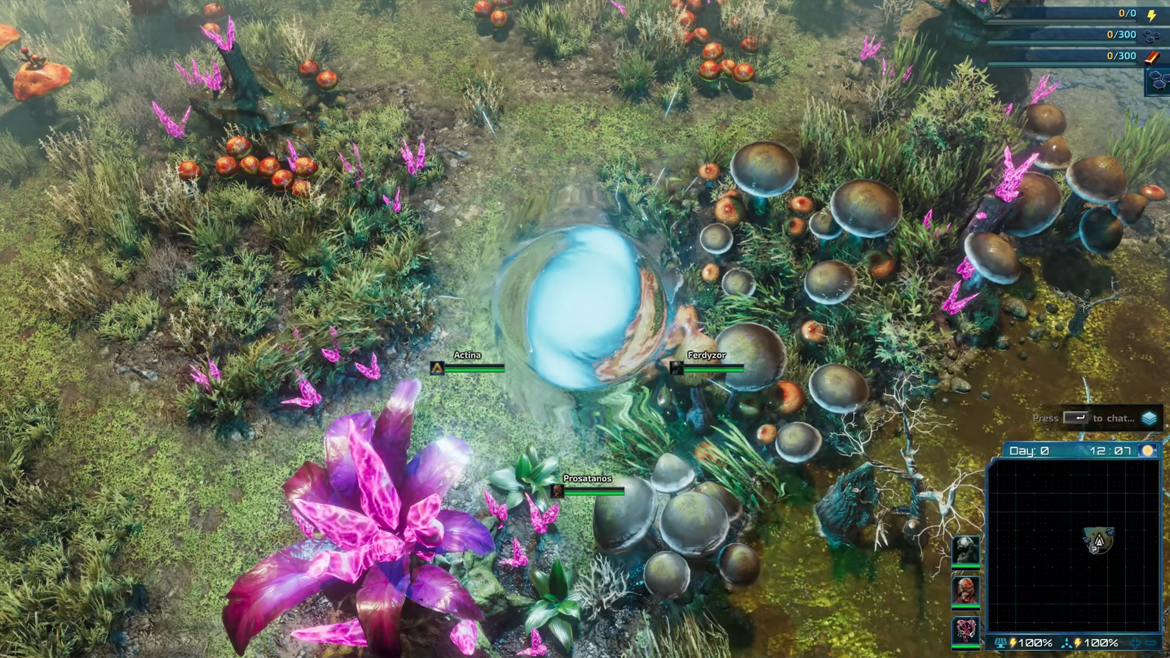
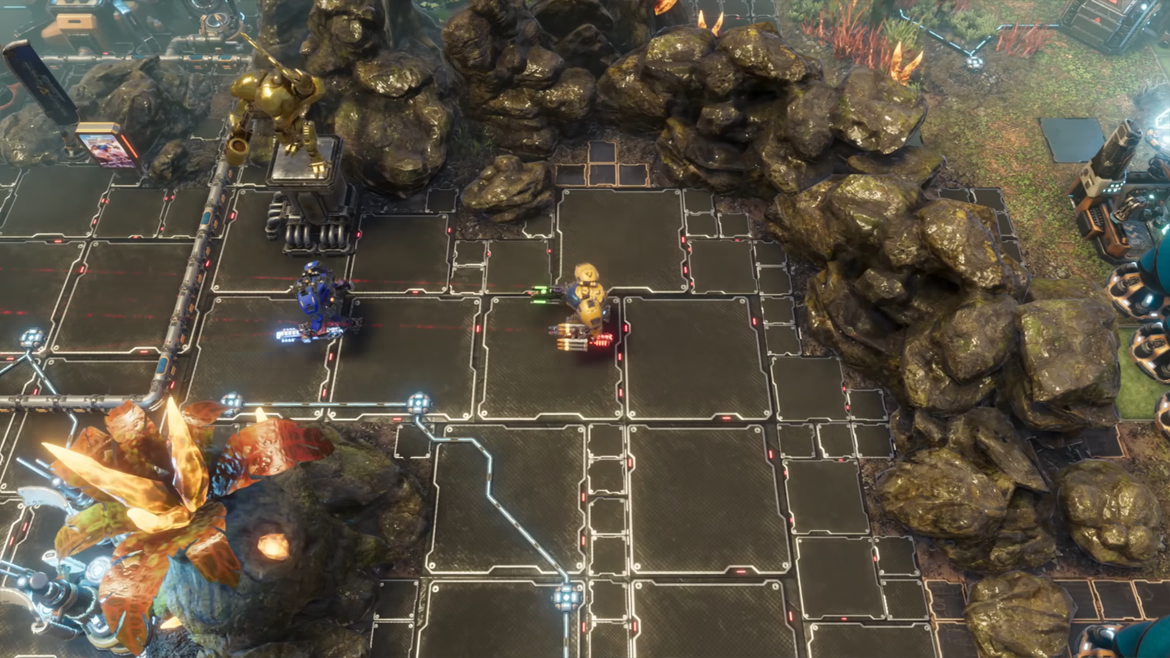
It's a bit difficult to show the dedicated server on a screenshot/gif, since when it works well, you don't see a difference between hosting the game on your own PC and playing dedicated. In the face of this "problem", we just added a bunch of cool gifs from co-op mode. Enjoy!
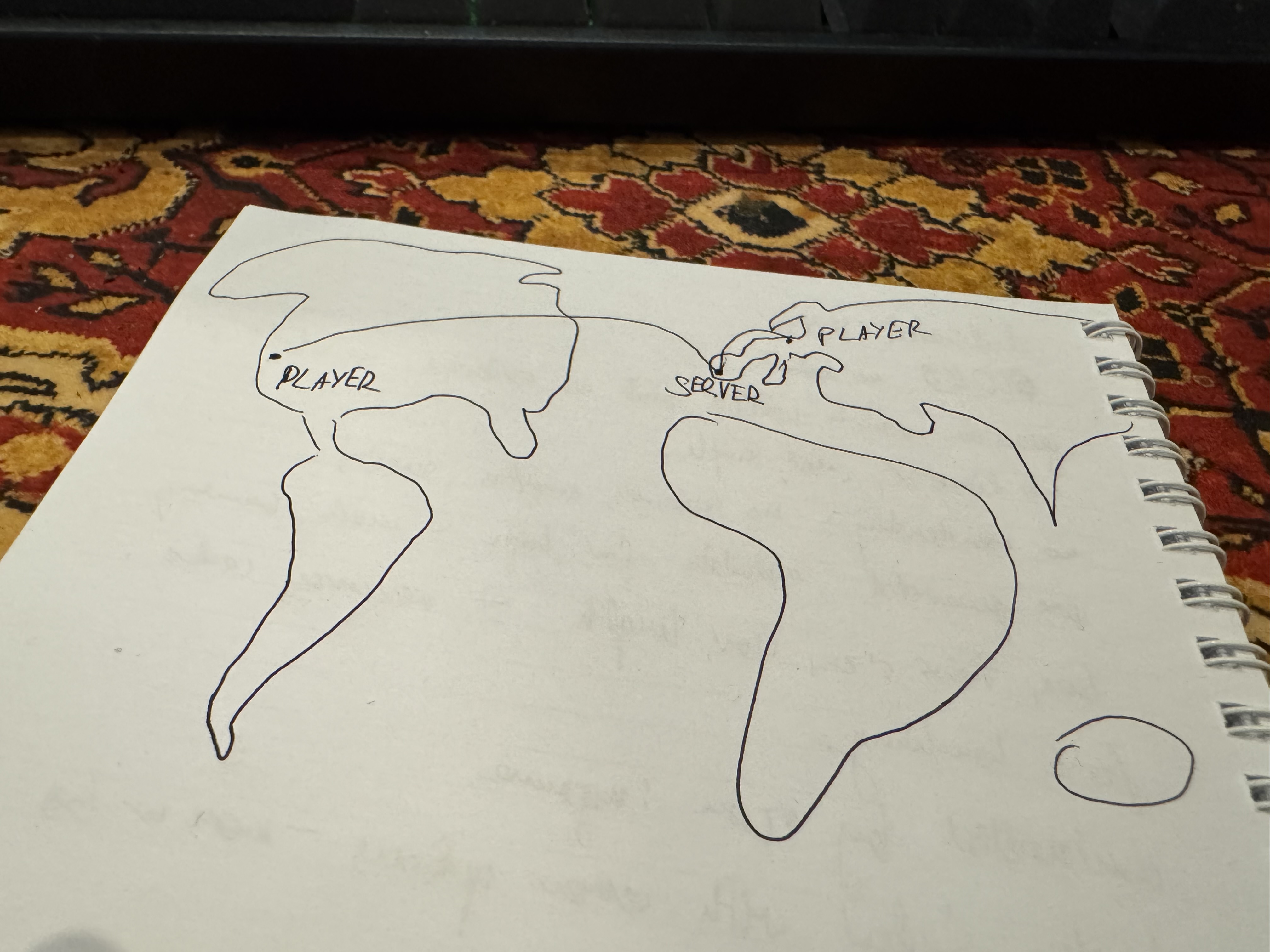
Here's some human-generated slop that pictures in great detail how this technology works!
A dedicated server is a special build of a game that you run on a separate PC. Its only purpose is to handle all gameplay calculations for players, ensuring a smooth experience for everyone. It eliminates the need for one player to act as the server for others, improving performance and increasing comfort during play. However, it comes at a cost - you need a separate machine to run the dedicated server app. Not many people have the luxury of owning several gaming machines, so dedicated servers are often stripped of unnecessary features. Sounds simple in principle, but it is more complicated than just turning off some parts of the game.
We decided that the dedicated server for The Riftbreaker will run in ‘headless mode’ - without rendering any graphics. This way, we reduce the app’s hardware requirements and free up system resources for running the game world simulation. It wasn’t as simple as “turning graphics off”. In reality, it was a complicated task that required us to restructure the program to a significant degree. However, the Schmetterling Engine was already able to run the rendering and game simulation pipelines independently, which helped us immensely. Still, we managed to succeed. Thanks to the efforts of our programmers, the Riftbreaker dedicated server app can run without rendering, entirely in the background.

If the server does not display anything while running, keeping audiovisual assets in the app package seems like a waste of space. However, we couldn’t simply delete those files. They are important not only for the sake of rendering the game’s graphics, but also for the logic part of things. For example, the information about 3D objects’ bounding boxes is necessary for the game to calculate collisions and other crucial physics interactions. Each type of asset has some metadata that is required by the engine to function correctly. If we could extract that metadata for each asset type, we could build a cache that the server could use for simulation purposes and save a lot of space.

In order to do that, we had to build special tools that allow us to extract information about mesh bounding boxes, texture sizes, sound sample length, and much more. All that information is stored in a cache that the server app can access instead of real asset files.
Thanks to the use of asset metadata cache in place of real asset files, the size of the server app has shrunk from 11 gigabytes to just 600 megabytes - more than 90%! A positive side effect of using the asset metadata cache is a significant reduction in server load time. Instead of having to access all the assets and load them from the hard drive to RAM, the game engine has all the metadata ready to use right out of the gate. This significantly reduces the server's load time and the entire application's memory footprint.

However, using a static cache instead of parsing asset information in real time during the loading process also has negative side effects. The Riftbreaker changes all the time - new assets get added, old ones get deleted, and we make improvements to existing ones when necessary. This is not a problem for the regular build of the game. It parses all the asset data during the loading process. This data is always accurate as it is generated on the spot when it is needed. If we built our asset metadata cache manually, it would become outdated very quickly, which would result in errors and crashes. To avoid this situation, we altered our game compilation process. Every time we build a new version of the game package, we also build the new version of the server app and regenerate the cache. It slightly increases iteration time, but saves us much trouble in the long run.
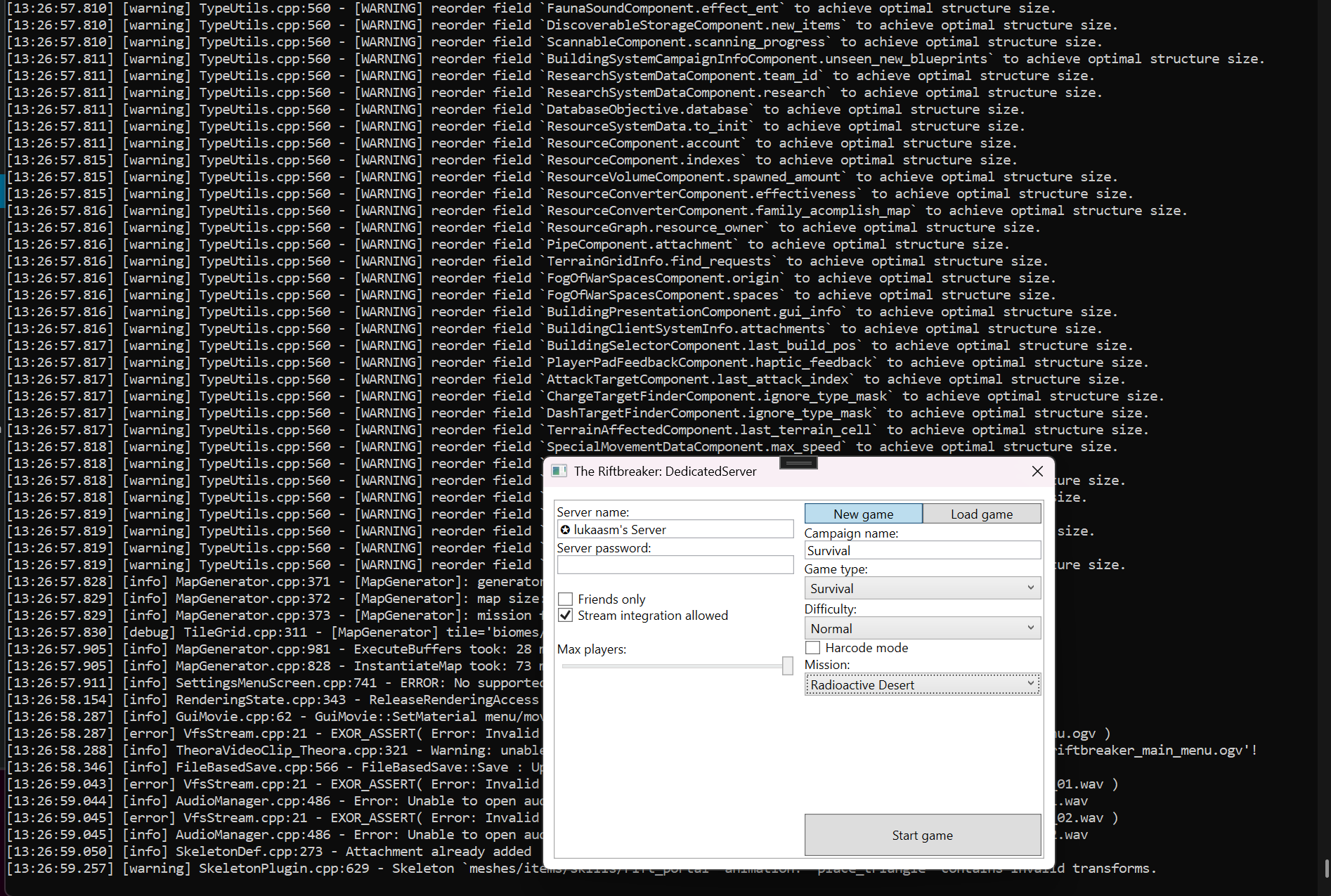
The simple UI you will use to set up the base game parameters. It mirrors the functionality of the Lobby screen. You can see the game running in the background.
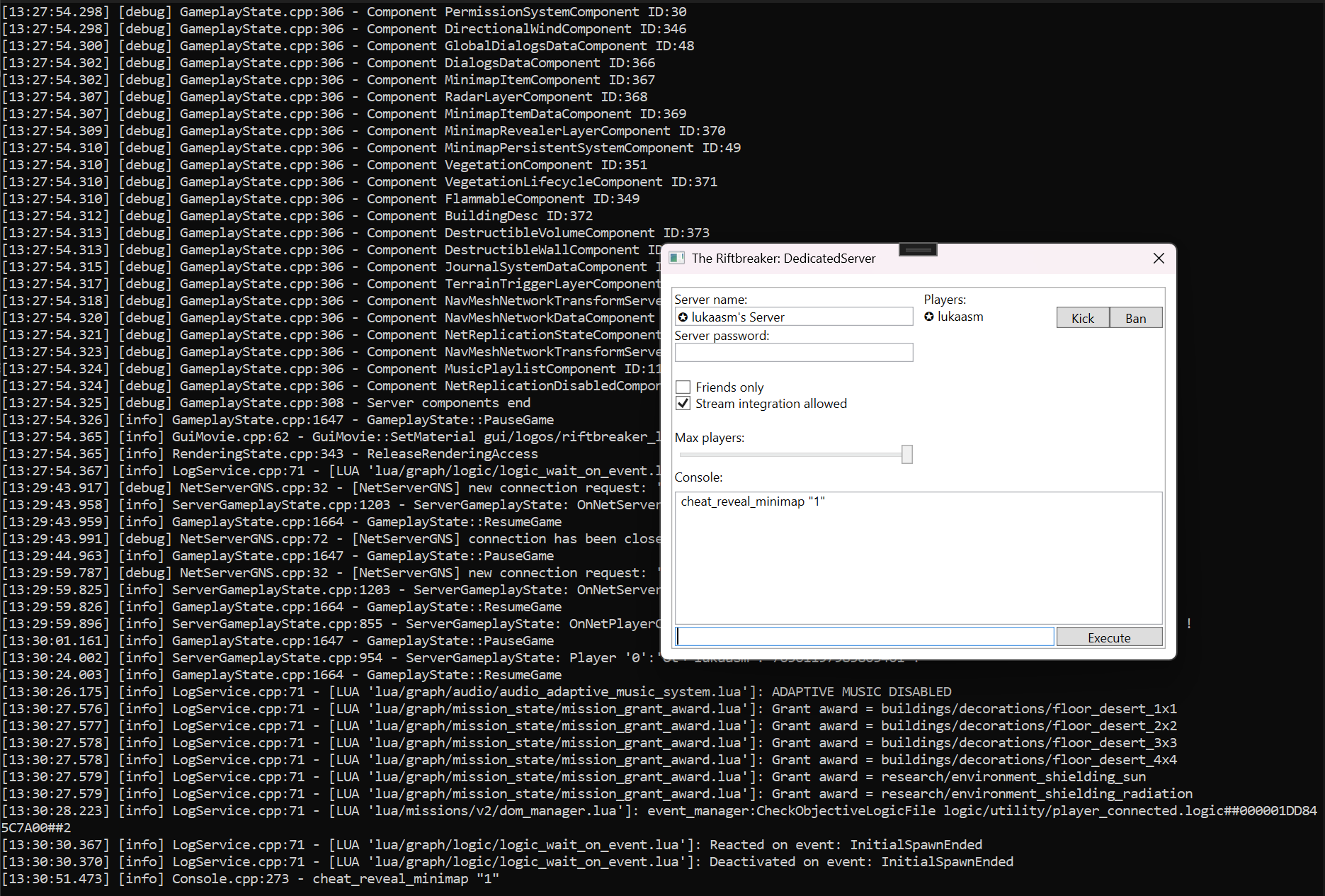
During gameplay, the server will allow you to control the session in progress by managing players and executing console commands.
Since the UI interface that you know from the game is gone (no rendering), you can control the app in two ways. If you have direct access to the server PC, we will give you a simple window that mirrors the lobby screen (external UI). It will allow you to select the game mode, difficulty level, map, and player management options. Alternatively, if you want to run the server fully remote (for example, by renting a server from a farm), you can control the dedicated server app by executing console commands straight from your PC.

The biggest problem we faced during app development was, in fact, directly related to the server controls. In regular, player-hosted Co-Op sessions, the server owner is in complete control of the campaign flow. They control which game mode to start, when to load the game, and the options on the victory and defeat screens. However, when running the game in the dedicated server mode, there is no owner. We decided to solve this with the power of democracy. Whenever the game reaches one of the critical moments we mentioned earlier, we start a vote. The game proceeds when all players agree on what to do next.

The dedicated server app will be available as a free download on Steam. Thanks to this, you will not need a second copy of the game to set up a dedicated server for yourself and your friends. It will also support anonymous downloads through the Steamcmd.exe app, so you don't even need a Steam account to run it. If you use this option, the app will launch in non-DRM mode, allowing others to connect to you directly via IP and bypassing Steam. This kind of setup is much more complicated than the regular Host/Join experience, but we know that a lot of our players have the necessary skills to take advantage of these additional capabilities. Setting up a dedicated server requires some work, but it can really help with improving game performance and reducing lag.

As you can see, the development of the dedicated server app for The Riftbreaker was not a straightforward job. We are still in the process of testing the app. Once it passes our internal testing routine, we are going to release it on the experimental branch of the game on Steam, so you have a chance to report any bugs you find. If everything goes smoothly, we should be able to release the app before the end of this year, along with a bunch of fixes for the main game that we have developed in the meantime. We hope you enjoyed this short update on our progress and encourage you to sign up for our newsletter and join our Discord server for more news like this. We still have a lot of surprises waiting for you!
EXOR Studios